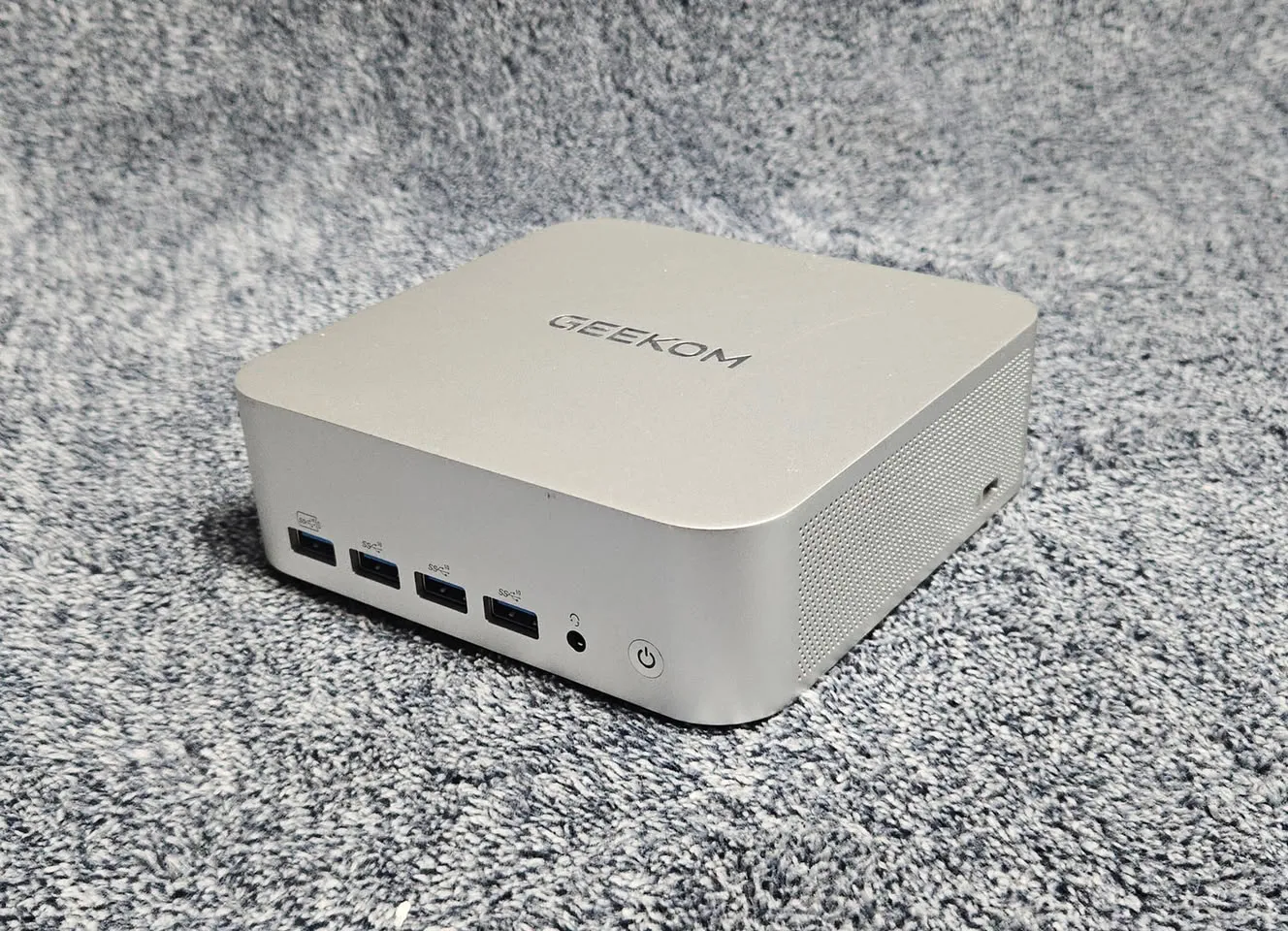
Geekom has removed download pages for network drivers for its AMD mini-PCs after discovering Asruex malware in an official archive. The infected file, still accessible via search engines, was hosted on an old support page.
A network driver contaminated with Asruex
The file in question, named Install_PCIE_Win11_11.10.0720.2022_11222022.exe, was included in driver archives for the A7, A8, AE7, AE8, AX7 Pro, and AX8 Pro models. Multiple analysis services (VirusTotal, FileScan.IO, MetaDefender, YARAify) detected the presence of the Asruex Trojan, capable of executing remote commands, stealing data, or intercepting keystrokes. An invalid Realtek digital signature confirms the binary was modified after signing.
The issue does not affect machines shipped with preinstalled Windows, but only users who manually downloaded and installed the driver from Geekom’s website. The manufacturer notes that the page in question, while not accessible via the site’s standard navigation, remained indexed by search engines.
Geekom’s response: removal and apologies
Geekom has removed the affected pages and issued an apology, acknowledging that the file came from an outdated resource not deleted during the migration to a new support system. The manufacturer claims to have checked its current pages and found no anomalies. It now advises users to prioritize drivers via Windows Update, Realtek’s official website, or its current Support section.
For users who installed the contaminated driver, Geekom recommends deleting any local copies, running an antivirus scan (Windows Security or otherwise), and, if in doubt, reinstalling Windows. No explanation is provided regarding the origin of the contamination or the incident’s timeline.
A recurring issue among mini-PC manufacturers
This incident echoes AceMagic’s 2024 case, where mini-PCs were shipped with preinstalled malware (Bladabindi, Redline) from the factory. Unlike AceMagic, Geekom did not distribute pre-infected machines but a downloadable driver. Analyses show the file was already flagged in February 2025 on YARAify and December 2024 on other platforms.
Mini-PCs, often offered by less established manufacturers, regularly raise questions about the reliability of their software support. Experts consistently advise using official drivers from component manufacturers (AMD, Intel, Realtek) or Windows Update, rather than those provided by mini-PC makers.
“The issue dates back to an outdated resource we failed to remove in time from our old pages, and we apologize for the concern and inconvenience caused to our users and the community.” — Geekom, official statementTranslated from French
 RecommendedUS allows private cybersecurity firms to hack foreign cybercriminals
What to do if you are affected?
- Do not execute the file Install_PCIE_Win11_11.10.0720.2022_11222022.exe if downloaded.
- Delete any local copies of the file and run a full antivirus scan.
- Reinstall the network driver via Windows Update, Realtek’s website, or Geekom’s current Support section.
- If the file was executed, consider a full Windows reinstallation.
- Report the incident to the DGCCRF via SignalConso or the 17Cyber platform in case of confirmed compromise.
While Geekom acted quickly by removing the contaminated files, the lack of explanation regarding the origin of the flaw and the problem’s persistence for months raises questions. The incident once again highlights the risks of downloading drivers from third-party sources, including official ones, and the need to systematically verify digital signatures.
Sources
Tom's Hardware — Geekom admet avoir distribué des pilotes réseau infectés par un malware
Clubic — Geekom s’excuse après la découverte d’un malware dans ses pilotes
TechPowerUp — Geekom retire ses pages de téléchargement après la découverte de malwares
Clubic — Attention, des fichiers malveillants dans les pilotes des mini-PC Geekom




Comments 0
Sign in to join the discussion.
Be the first to comment.